At a glance
- Category
- Tool Walkthrough
Connect a preparation target with geographic context while keeping source-reported areas, image-space markers and actual game availability distinct.
Follow the steps
Choose the context you need
In combined preparation, set Prepare for to Prepare for a boss or Visit a place. Find and select the target, then Add to plan. Read its conditions.
Look for: A boss goal supplies preparation context, not a recorded kill, guaranteed spawn or reward.
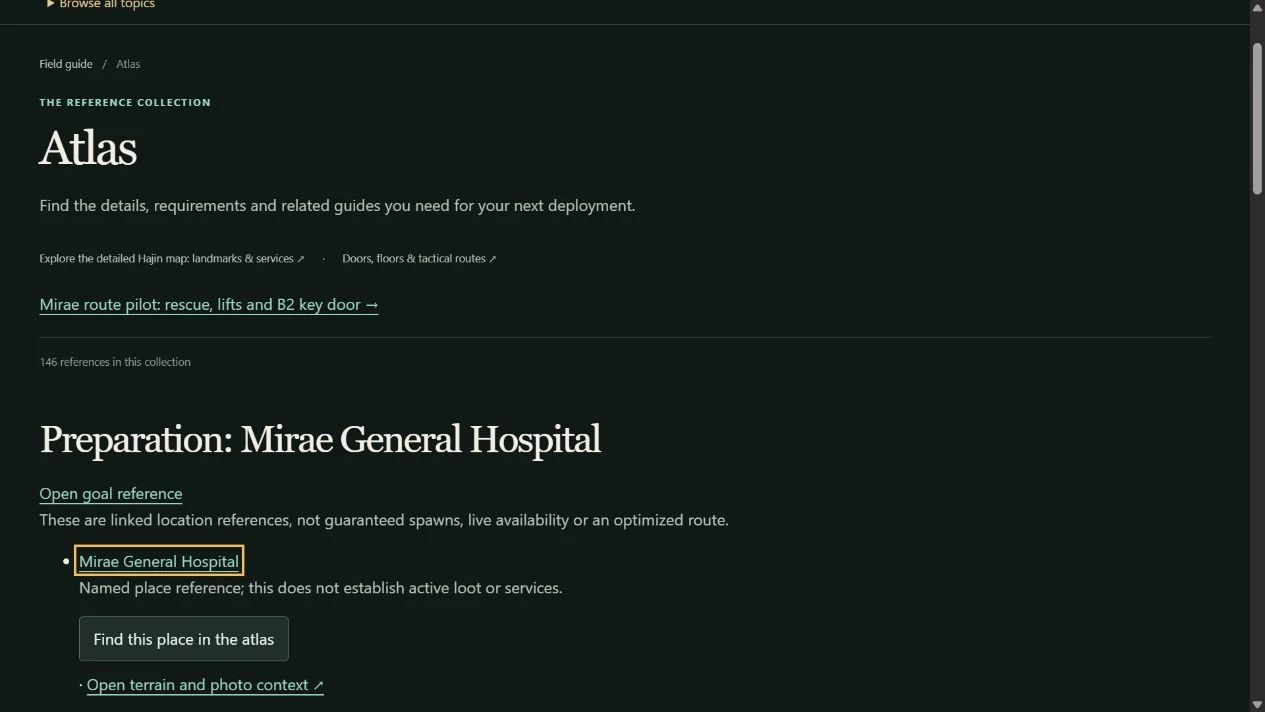
Open the linked atlas context
Use the goal’s map or place link. Follow the named place reference when exact geometry is unavailable.
Look for: The atlas carries the public target context. Personal stock, list counts, notes and preferences are excluded from a public handoff.
Select a supported occurrence
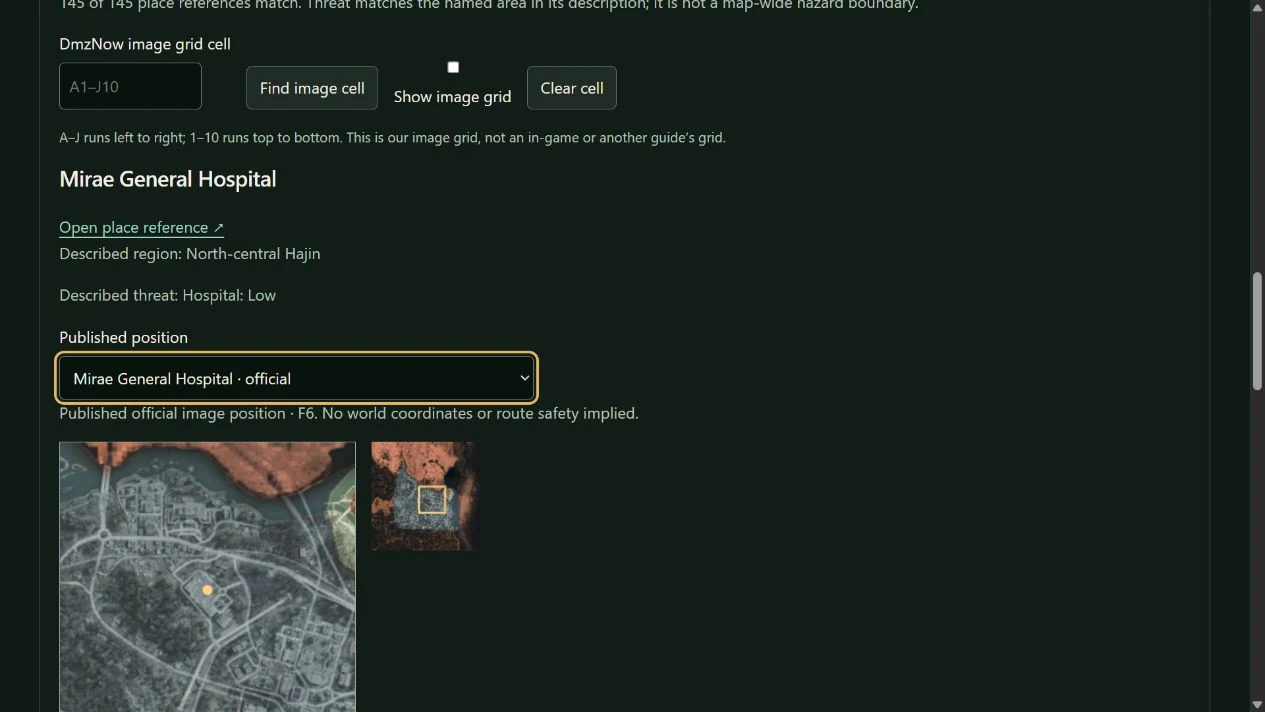
Use the place selector, search or a visible marker. Read its source and frame context. If the place has no mapped occurrence, use its text reference instead of inventing a pin.
Look for: Selected place context, admitted photos and nearby recorded locations are available where supported. A regional marker does not prove a door or spawn point.
Use the grid and local view carefully
Choose Open terrain and photo context, then use the displayed image-grid lookup or selected-place local view. Compare any photo with the location text. Nearby ordering describes the declared image frame.
Look for: Image-grid cells and proximity are map-image tools. They are not measured travel distances, safe routes, world coordinates or current danger polygons.
Return to the plan
Use Return to preparation. Save your scenario before leaving if you want the entire private workspace to survive navigation or use a private backup to move it.
Look for: The return restores the public goal context. A URL handoff is not a backup of unsaved stock or personal lists.
Separate your annotations from the reference
If you add personal landing marks, waypoints or visited notes, review the atlas export’s inclusion options and credits.
Look for: Your personal marks remain planning notes. They do not alter canonical place coordinates, validate a safe path or establish a loot spawn.
Keep the scope clear
- Terrain/source frames and source-reported grid names are not interchangeable. Follow each layer’s stated basis.
- Photos supply visual context only when joined to the supported place. Missing imagery or geometry stays explicit.
- Enemy identity, possible yields and encounter geography are separate records; a location link does not guarantee a drop.
Change your mind or recover
- Use the return link or browser Back to return to the previous context. Reopen a saved scenario if you need its private inputs.
- Clear a selection or reset the view when a layer is not useful. Preserve a backup before restoring personal annotations, and cancel an incompatible preview.
See the actual controls
Demonstration data in the DmzNow website. Open an image for the full view; the written instructions above contain the same steps.