At a glance
- Category
- Tool Walkthrough
Choose the smallest useful shared context. A public link, a local save and a private backup serve different purposes.
Follow the steps
Save locally when keeping private inputs
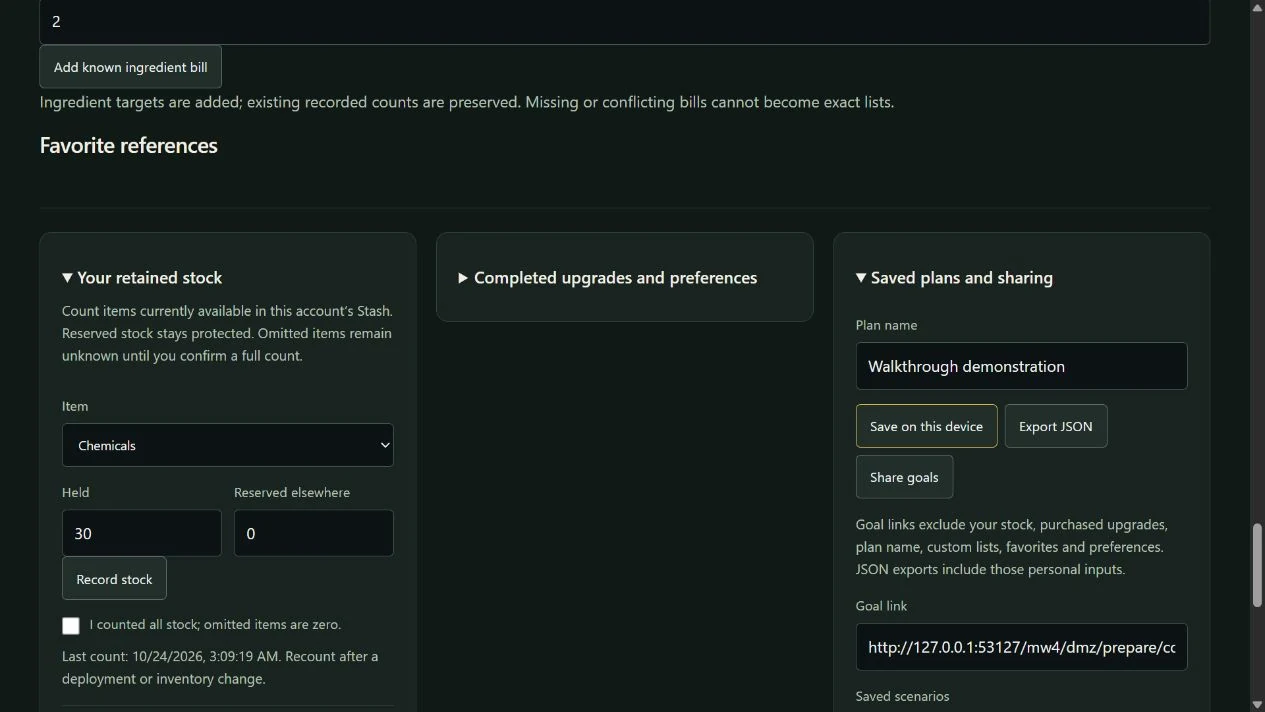
In Saved plans and sharing, use Save on this device for a scenario with stock, lists and preferences. Check that the expected save appears in Saved scenarios.
Look for: Local saves belong to this browser and origin. They are not account or squad synchronization.
Generate a public goal link
Choose Share goals and copy the provided URL. Read the stated exclusions before sending it. Trait-planner share links similarly carry selected planning choices, not evidence that an Operator earned them.
Look for: The combined goal URL excludes stock, purchased upgrades, plan name, lists, favorites and preferences.
Check a fresh recipient view
Open the goal URL in a browser context without your saves. Review the imported goal and any compatibility warning. Do not expect the recipient to inherit your inventory or private notes.
Look for: The recipient receives the public goal context. Missing private inputs stay absent or unknown instead of being copied from the sender.
Choose a private backup when needed
Use Back up all personal tools if you intentionally need to move saved private inputs. Preview its selected sections on the destination.
Look for: The six-store private backup has explicit replacement and recovery controls; it is not the same artifact as the public goal link.
Convert a source timetable
Open Player updates & PC guidance, then Local-time converter. Enter an IANA zone such as America/Chicago and choose Convert. Read the original source-time column beside the conversion.
Look for: The converter uses the date’s timezone rules. Date-only or unspecified times remain date-only or unknown; a passed scheduled time is not a live service check.
Keep PC unknowns visible
Open the PC checker. Enter the capacities you know and choose the actual drive and Windows settings. Leave exact CPU/GPU model blank when not established, then Compare listed requirements.
Look for: Capacity comparisons can be reported independently, while unmatched or absent CPU/GPU identity remains unknown. The tool does not infer FPS, model equivalence or full compatibility from sufficient RAM.
Keep the scope clear
- Anyone who receives a public URL can see its encoded public choices. Share only the context you intend to share.
- PC inputs stay on the page and are not saved, uploaded or placed in a URL by the checker. Hardware equivalence and performance are outside its claim.
- Local rollout times, historical schedules, exact instants and unknown reset times remain different timing cases.
Change your mind or recover
- Generate a new link after changing goals. A previously copied URL is an independent snapshot, not a live synchronized plan.
- Use Clear inputs to remove PC entries and choose a valid IANA timezone if conversion reports an error. Read the source table even when JavaScript is unavailable.
- Cancel a private import when its scope is wrong. Keep a saved copy before replacing the current workspace.
See the actual controls
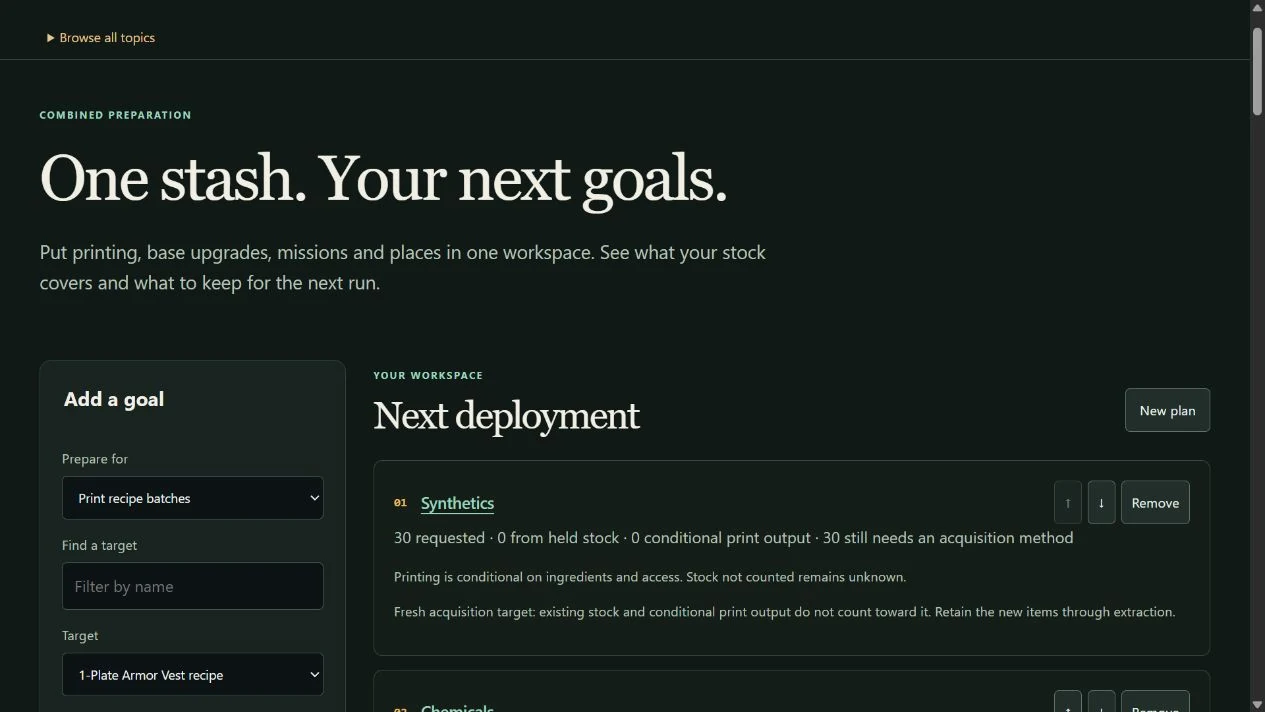
Demonstration data in the DmzNow website. Open an image for the full view; the written instructions above contain the same steps.